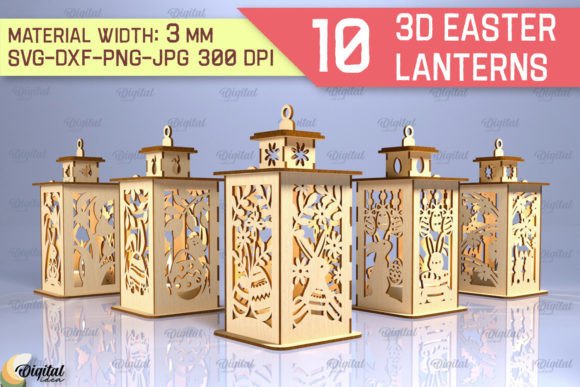
3D Easter Lantern Laser Cut Bundle
The 3D Easter Lantern Laser Cut Bundle represents a significant leap forward for creators looking to add depth and texture to their seasonal projects. Unlike flat vector files that require complex layering to achieve dimension, this bundle provides pre-engineered components designed specifically for assembly. The appeal lies in the ability to transform simple materials like cardstock, balsa wood, or acrylic into intricate, three-dimensional structures that catch the light beautifully during the Easter season.
However, purchasing digital design files comes with a specific set of expectations that can easily lead to frustration if not understood beforehand. Many buyers approach these products expecting an immediate physical result without realizing the technical steps required to bring the design to life. This guide focuses on ensuring you make the right decision, understand exactly what you are buying, and avoid common pitfalls that compromise the quality of your final lanterns.
Understanding What You Are Actually Purchasing
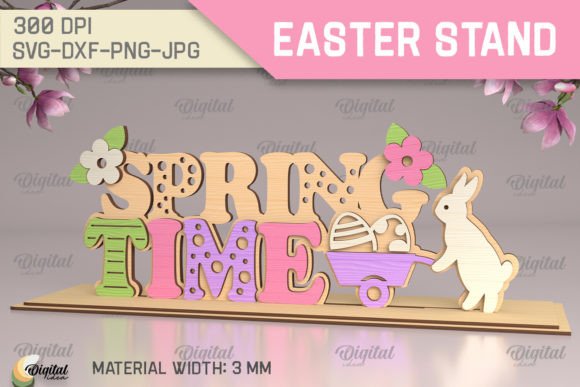
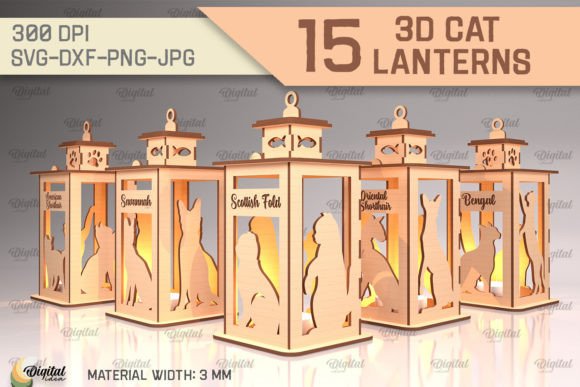
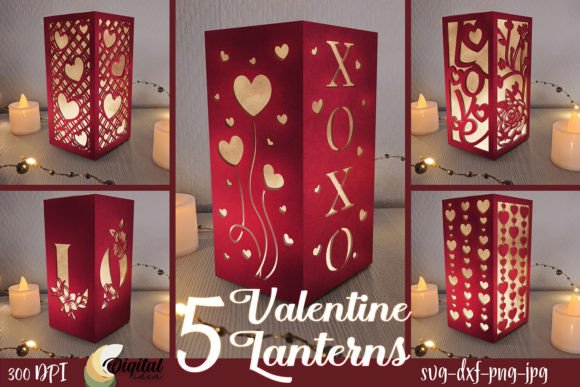
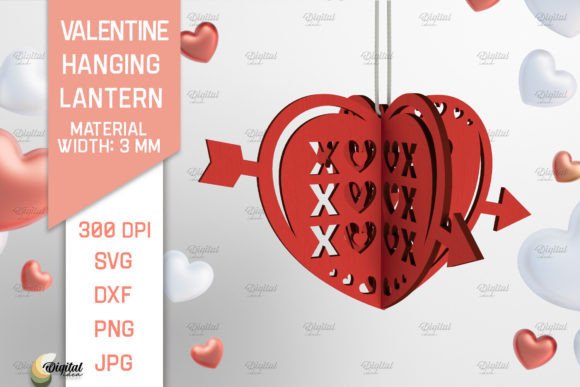
It is crucial to address the most frequent misunderstanding immediately: this is a DIGITAL product. No physical lantern will be shipped to your door. The photos displayed in the listing serve strictly as inspiration to demonstrate the potential outcome of the designs. When you complete your purchase, you receive a zip folder containing the raw data needed to create the lantern yourself.
This distinction affects how you should evaluate the product. If you are looking for a ready-to-hang decoration, this bundle is not for you. However, if you are a maker who wants to customize colors, materials, and sizes, this is an invaluable resource. The bundle includes files in multiple formats: SVG, DXF, EPS, PDF, JPG, and PNG. Each format serves a different purpose in the creation process:
- SVG and DXF are essential for laser cutters and vinyl plotters, allowing for precise cutting paths.
- EPS and PDF are ideal for professional graphic design software and vector editing.
- JPG and PNG provide raster images suitable for printing, web use, or visual reference when you don't need editable vectors.
Failing to recognize the file types included can lead to compatibility issues later. For instance, trying to load an SVG directly into a machine that only accepts DXF without conversion can waste valuable setup time. Ensuring your software matches the file formats provided is the first step toward a successful project.
Avoiding Material and Assembly Mistakes
One of the most common errors beginners make with 3D laser cut bundles is selecting inappropriate materials. Because these designs rely on interlocking tabs and slots to hold the structure together, the thickness of your material must match the tolerances built into the design. Using paper that is too thick can prevent pieces from fitting together, while material that is too thin may result in a fragile lantern that collapses under its own weight.
Furthermore, the structural integrity of the lantern depends on how the pieces are assembled. A frequent mistake is rushing the gluing process before the pieces are perfectly aligned. In 3D construction, a slight misalignment in one panel can cause the entire structure to twist, making it impossible to close the lantern properly. Always test fit your pieces dry (without glue) first to ensure all tabs slide smoothly into their corresponding slots.
Another overlooked detail is the grain direction of the material. When working with wood or certain types of textured paper, the grain can affect how the material bends or holds a crease. Ignoring this can lead to uneven lighting effects or weak points where the lantern might break during handling. Professionals often recommend scoring the fold lines lightly before folding to ensure crisp, clean edges that enhance the lantern's aesthetic.
Maximizing Versatility Across Industries
The true value of the 3D Easter Lantern Laser Cut Bundle extends far beyond simple home decor. While creating a decorative item for your living room is a valid use case, the design files unlock endless possibilities for entrepreneurs and hobbyists alike. The versatility of these vector files allows them to be adapted for stationery, textile patterns, tableware, and even packaging solutions.
Consider the potential for small business owners. You can scale these designs to create custom packaging for Easter baskets, adding a premium touch to your products. Marketers and bloggers can use the high-resolution JPGs and PNGs for social media content, showcasing DIY tutorials or promotional graphics. Educators can utilize the PDF versions to teach students about geometry, spatial reasoning, and sustainable crafting by having them build the lanterns in class.
When applying these designs to fashion or textiles, remember that the file resolution matters. While the SVG ensures scalability, printing a low-resolution image on fabric can result in pixelation. Always check the DPI of the raster files before sending them to a print shop. By understanding the capabilities of each file format, you can avoid costly reprints and ensure your final product looks professional.
Evaluating Your Setup Before You Start
Before diving into the creation process, take a moment to evaluate your current setup. Are you using a laser cutter, a die-cutting machine, or planning to hand-cut the pieces? The choice of tool dictates which file format you should prioritize. If you are using a Cricut or Silhouette machine, the SVG file is usually the best starting point. For industrial laser cutters, the DXF format is typically preferred for its precision with coordinate systems.
Additionally, consider the environment where the lantern will be used. If the lantern is intended for outdoor display, standard cardstock may degrade quickly due to moisture or UV exposure. In such cases, you might need to treat the material with sealants or choose weather-resistant alternatives like acrylic or treated wood. Failing to account for environmental factors can ruin a beautiful project shortly after completion.
Finally, do not underestimate the importance of patience. Creating a 3D object from flat layers requires a methodical approach. It is better to work slowly and correct mistakes early than to rush through the assembly and end up with a distorted shape. Take the time to read any included instructions carefully, even if they seem obvious. Often, subtle details in the design notes can save hours of troubleshooting.
If you have specific questions about file compatibility, material recommendations, or assembly techniques, reaching out to the shop owner is highly encouraged. Open communication can clarify doubts before you invest your time and resources. By approaching the 3D Easter Lantern Laser Cut Bundle with a clear understanding of its digital nature and practical applications, you position yourself to create stunning, high-quality results that exceed expectations.